Sync Your Publisher Inventory with SearchEye (Google Sheets)
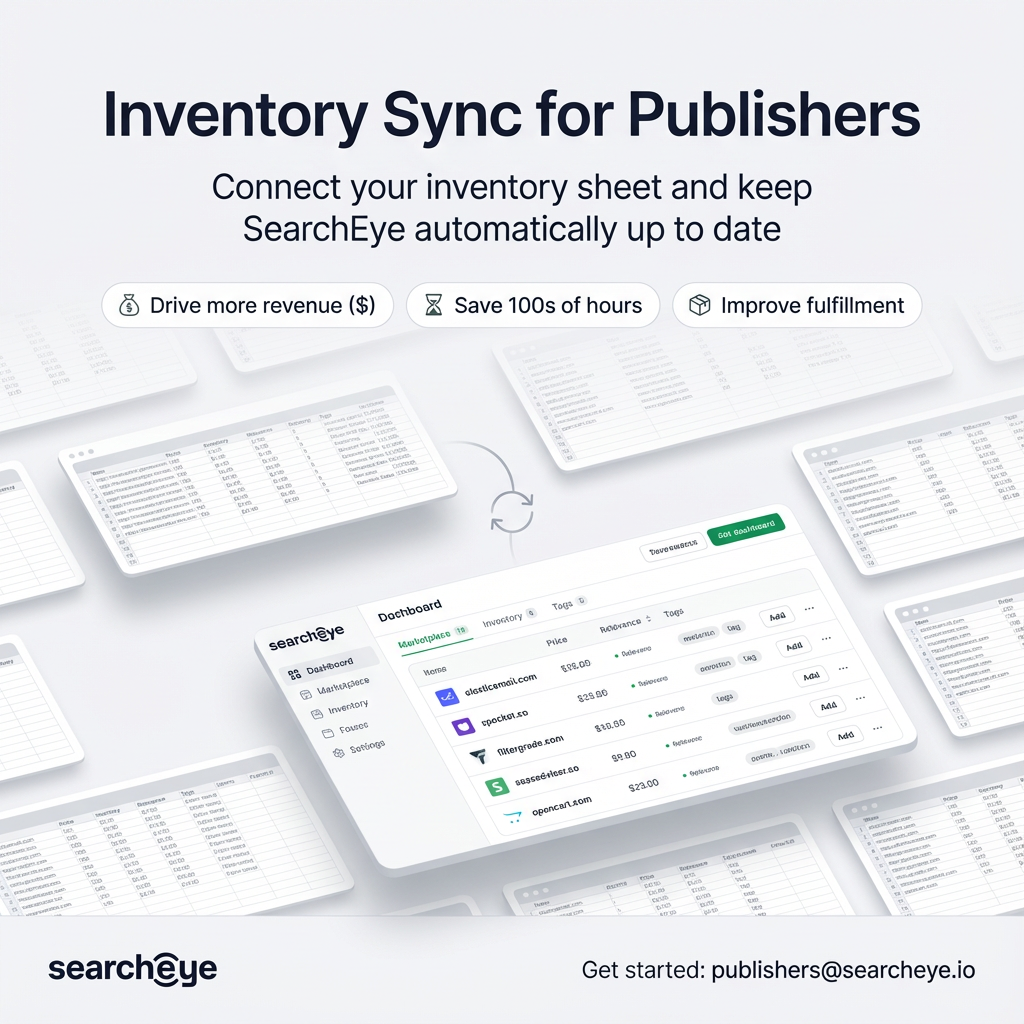
SearchEye now supports inventory sync for publishers and publishing partners (including resellers) via Google Sheets. Once connected, your sheet becomes the source of truth—updates you make in the sheet will automatically reflect in SearchEye.
Why use Inventory Sync?
Always up to date: Your inventory stays accurate in SearchEye.
No manual uploads: Removes hours of repetitive updating and re-uploading.
Add/remove publications easily: SearchEye syncs new rows and changes as you go.
Better fulfillment rates: Up-to-date inventory reduces failed orders and delays.
More passive income: Less admin work, more time earning.
More inventory = more orders: Clean, current listings convert better.
Sync rich details: Page types, minimum DR/traffic, guidelines, and more.
How the sync works
SearchEye reads your Google Sheet and syncs your inventory based on the rows:
Add a new row → adds a new publication listing
Edit a row → updates that listing in SearchEye
Delete a row → removes that publication from your active inventory
Use an “Active / Not Active” column (optional) → lets you disable inventory without deleting the row
Don’t worry if your sheet isn’t perfect—our team manually maps your columns in the backend, and if anything is missing or messy, we’ll reach out and help fix it. In some cases we may add a helper column with a formula to clean/standardize data for syncing.
Get started
If you don’t already have an inventory sheet:
Download the template
Template: Publication Inventory Template (Google Sheet)Fill in your inventory
Add one publication per row.Share your sheet
Share with: publishers@searcheye.io
Recommended permission: ViewerEmail us to connect it
Email publishers@searcheye.io with:Your Google Sheet link
Any notes (currency, special pricing rules, multiple tabs, etc.)
If you already have your own inventory sheet:
Review your sheet
Make sure it includes at least the required columns (Publication URL, Sample URL, and pricing columns).Share your existing sheet
Share with: publishers@searcheye.io
Recommended permission: ViewerEmail us to connect it
Email publishers@searcheye.io with:Your Google Sheet link
Any notes about your column names, structure, or special rules (currency, multiple tabs, etc.)
We’ll review your sheet, map your columns, and confirm once your inventory is synced.
Template columns (what they mean)
Your template includes the following headers:
Required
Publisher URL — the publication’s website (main identifier)
Sample URL — a live example of a published article
Guest Post Price — price for publishing a new article (if you offer guest posts)
Link Insert Price — price for inserting a link into an existing article (if you offer link inserts)
✅ You must have at least one of the price columns populated (Guest Post and/or Link Insert), depending on what you sell.
Optional (recommended)
Full Feature Articles Allowed — checkbox/TRUE-FALSE (if you support full feature-style content)
Edit Existing Article — checkbox/TRUE-FALSE (useful for link inserts)
Minimum DR — numeric
Minimum Traffic — numeric
Additional Requirements — text (and/or link to a viewable Google Doc with guidelines)
Page Types Accepted — text/list (examples below)
Rules & best practices (so the sync is clean)
Pricing rules (important)
Price must be in its own column (Guest Post Price and/or Link Insert Price).
Put only the price in those cells (avoid mixing notes like “starting at”, “depends”, “$300+”).
If pricing varies, put the standard price in the price column and explain exceptions in Additional Requirements.
Inventory management
To remove a publication, delete the row.
If you prefer to keep rows for history, add an Active column (Active / Not Active or TRUE / FALSE). We’ll map it.
Sheet formatting
One publication per row
Keep one header row at the top
Avoid merged cells
Try to avoid duplicate Publisher URLs
Checkboxes are fine (Google Sheet checkboxes or TRUE/FALSE)
Tabs
Your inventory can be in one tab or multiple tabs.
If you use multiple tabs, include a header row on each tab and keep columns consistent where possible.
Page Types Accepted (examples)
You can list acceptable page types in a single cell (comma-separated is fine), for example:
Homepage
Transactional pages (product, category, service pages)
Resource/content pages (blog posts, case studies, guides)
Navigational pages (about, contact, etc.)
FAQ
What if I’m missing a column or my data isn’t clean?
That’s okay. We manually map your sheet in the backend and will reach out if anything needs fixing. In some cases we’ll create a new column with a formula to standardize or clean values for syncing.
How often does it sync?
Once connected, your inventory syncs automatically on a recurring schedule. If you need an urgent refresh, email publishers@searcheye.io.
Can I include extra columns not in the template?
Yes. Include whatever you track—our team can map what’s useful.
Ready to sync?
Email publishers@searcheye.io with your Google Sheet inventory link (template or your own sheet) and we’ll get you connected.